Every computer in the room renders the frame
HomeFarm Render is a Blender add-on that splits Cycles and EEVEE renders across the Macs, Windows PCs and Linux machines in your home or studio. One button, no cloud, no server.
- MacBook ProMetal · 0 tiles
- Windows PCOptiX · 0 tiles
- Mac miniMetal · 0 tiles
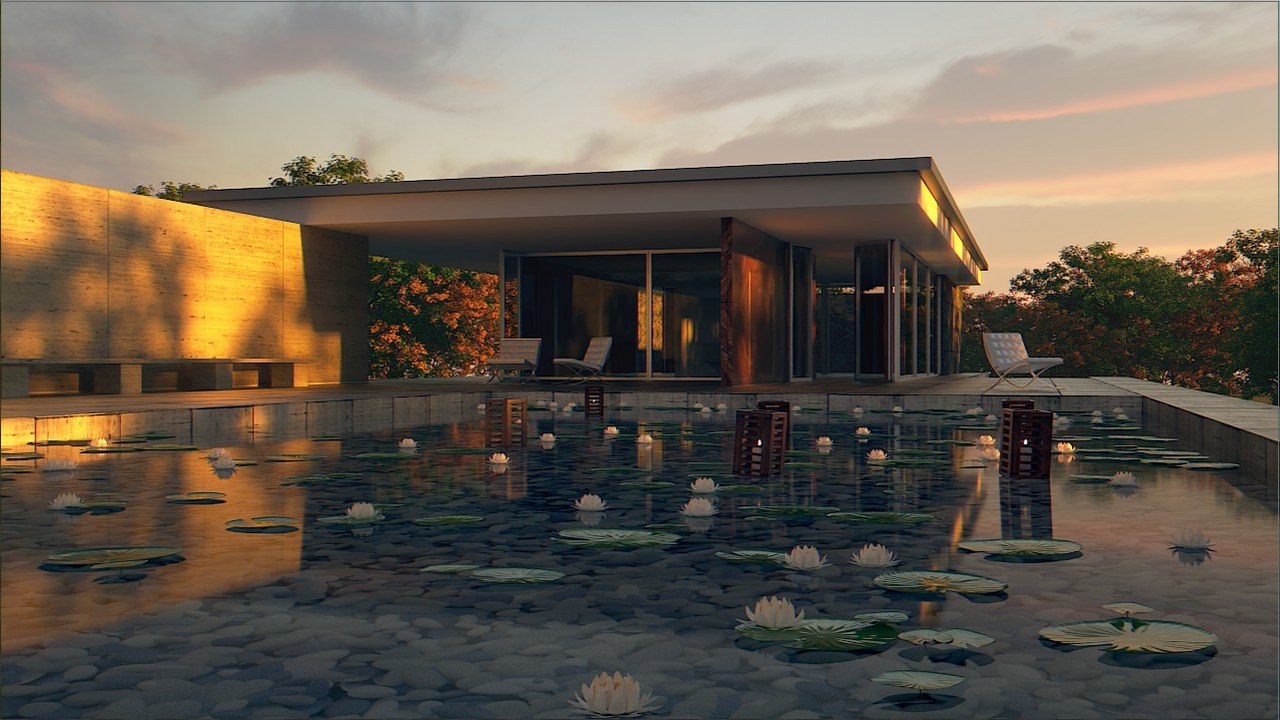
One frame split into 16 tiles. Each computer takes the next free tile; the frame is stitched and denoised once.
A second computer, half the wait
45 s → 24 s
Monster Under The Bed, 256 samples: a MacBook alone, then the same MacBook with a Mac mini.
I wrote HomeFarm Render because Cycles renders were slow on one machine while the other computers at home and at BEKON studio sat idle. Now a laptop, a Mac mini and a Windows PC with an RTX card render the studio's visualizations together.
Every computer uses its own GPU. Tiles from Metal and OptiX end up in one frame without seams, because the tiles overlap and the frame is denoised once, after stitching.
What it does
Rendering
- One frame in tiles
- The frame is split into a grid, e.g. 4×4. Overlapping edges are blended, so there are no seams.
- Animation
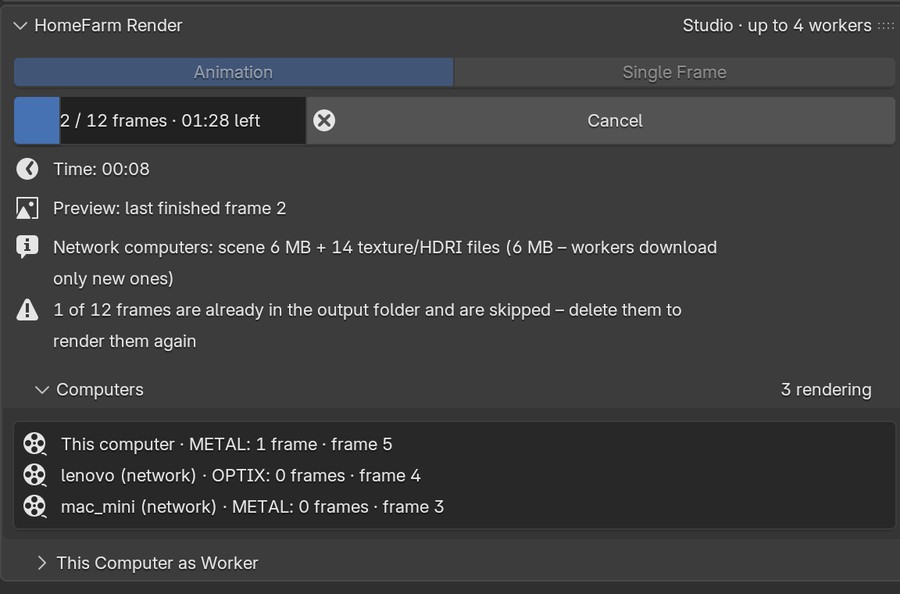
- Frames go to whichever computer is free. Finished frames are skipped.
- Cycles and EEVEE
- Both render engines work, for tiles and for animation. Denoising of the stitched frame applies to Cycles.
- Passes and AOVs
- With Multilayer EXR output, tiles keep every render pass, custom AOV and Cryptomatte layer.
- Denoise and composite once
- On the full stitched frame. Keep the raw render and recompute the compositor later without rendering again.
- Live preview
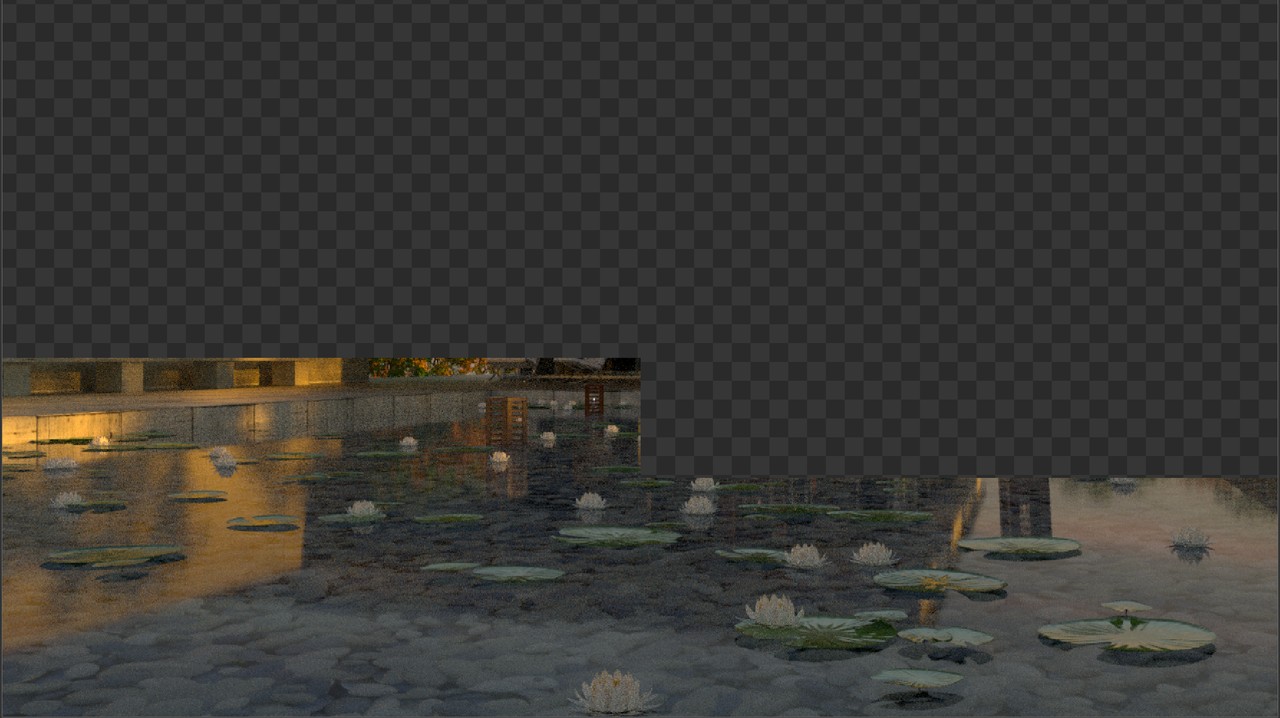
- Tiles and frames appear in the Image Editor as they finish.
When something goes wrong
- Computers that drop out
- Sleep, lost network or a closed Blender: the tile or frame is rendered by another computer.
- Crashed Blender restarts
- A Blender that fails during the render starts again by itself.
- No waiting for the slowest machine
- When the last frames sit on a slow computer, a free faster one renders them too. The first result wins.
- Resume after a crash
- If the main Blender crashes, reopen the file and click Resume. Only missing frames or tiles are rendered.
Setup
- Finds computers by itself
- Computers on the local network appear automatically, or add one by its IP address. A pairing code keeps others out.
- Files sent for you
- The scene is packed with its textures, also from linked libraries. Textures are cached on workers with a size limit.
- Background worker
- Workers render without Blender open and start again after login.
- Shared folder mode
- Use a NAS or network drive instead of direct transfer, also between Macs and PCs.
Know your farm. Get the movie.
What saves the steps around a render.
- Test Speed
- Renders the same small scene on every computer and rates each one: samples per second, speed relative to this computer and the GPU backend in use. You see at once which machine carries the farm and which is held back.
- Make Video after Render
- When an animation finishes, the frames are encoded into a video by the render itself: MP4 (H.264), MOV (ProRes) or MKV (H.264). The frames stay on disk, and the panel shows the render and video times separately.
- Worker version on the list
- Each computer shows its worker version, so a machine that missed an update is easy to spot.
- Add a computer by IP address
- When automatic discovery does not reach a machine (another subnet, VPN), type its address; the worker always listens on the same port.

Inside Blender
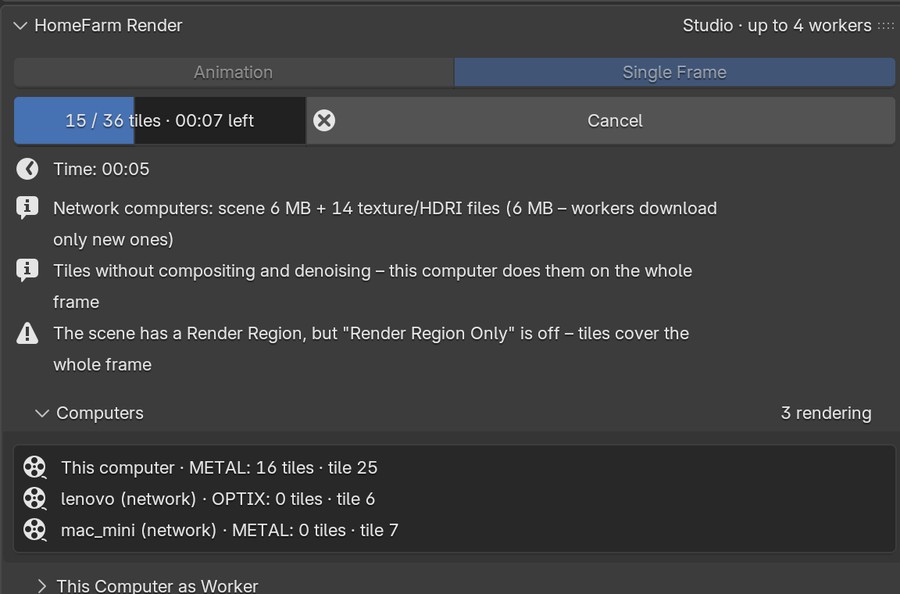
Properties → Output → HomeFarm Render. Everything happens in one panel.
Macs and PCs in one farm
One package for macOS, Windows and Linux. Use the same Blender version on every computer.
| macOS | Windows | Linux | |
|---|---|---|---|
| Hardware | Apple Silicon and Intel | Windows 10 and 11, x64 | x64 |
| GPU | Metal | OptiX, CUDA, HIP, oneAPI | OptiX, CUDA, HIP, oneAPI |
| Background worker | Login Item | Task Scheduler, no console window | systemd user service |
| Keeps awake | yes | yes | yes (systemd-inhibit) |
| Firewall | Allow incoming connections | Allow on private networks | ufw/firewalld: Blender ports, mDNS 5353/udp |
Set up once
Install everywhere
Blender → Preferences → Get Extensions → Install from Disk. The same .zip on every system.
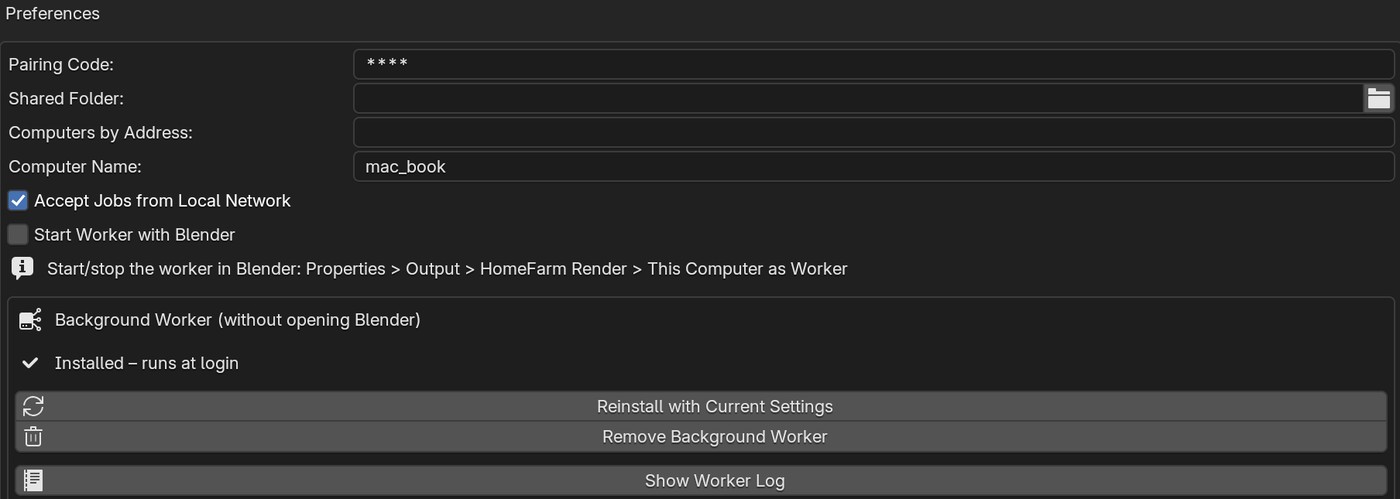
Same pairing code
Enter it in the add-on preferences on every computer.
Start the workers
Install the background worker, or start the worker in the panel. Allow Blender through the firewall.
Render
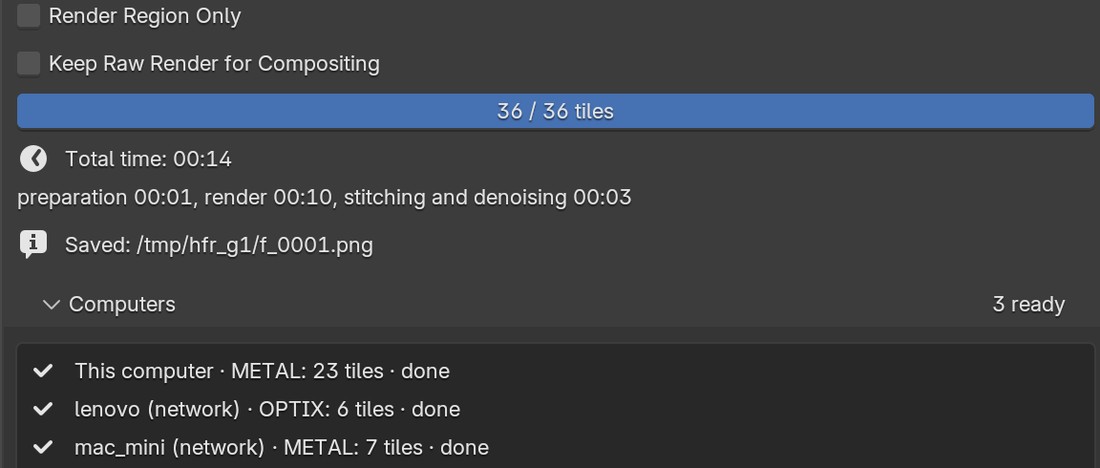
Open your scene on one computer and click the Render button, for example Render Frame 1 on 3 Computers. Frames are saved to your output path.
Planned
What I want to build next. No dates, and the order follows what users ask for. Tell me what matters to you in the product's discussion on Superhive.
- Render queue
- Several scenes or files rendered one after another, also at night on a schedule.
- Load balancing by speed
- The heaviest tiles go to the fastest computer, using the Test Speed ratings.
- Notifications and ETA
- A message when the render finishes, and an estimated time for the whole job.
- Render history
- A log of jobs with the time spent on each computer.
Editions
The worker limit counts on the computer that starts the render. Workers can run any edition. Duo owners can upgrade to Studio and pay only the difference.
Duo
$29
A laptop and one desktop computer.
- This computer + 1 worker
- All features, all systems
Studio
$59
A small studio or a home with several computers.
- This computer + 4 workers
- All features, all systems
Requirements: Blender 5.2 or 5.3 on every computer, Cycles or EEVEE, all computers on the same local network (Ethernet is faster for large scenes). Licensed GPL-3.0-or-later.
Questions
Can I mix Macs and PCs?
Yes. One package runs on macOS, Windows and Linux, and all of them work in one farm. Use the same Blender version (5.2 or 5.3) everywhere. Tiles rendered on different GPUs are stitched and denoised once.
Does it use the internet?
No. All traffic stays in your local network. Nothing is uploaded anywhere.
Is the network traffic encrypted?
No. Scenes and frames travel unencrypted inside your network, and the pairing code authenticates the computers. Use it at home or in a studio, not on public Wi-Fi.
My worker does not appear in the list
Check the pairing code, that both computers are on the same network, and that the firewall lets Blender accept connections. Some routers block discovery between Wi-Fi and Ethernet: add the computer by its IP address with the + button. Every worker shows its address in its panel.
What if Blender on the main computer crashes?
Workers stop the job by themselves. Reopen the file: the panel shows how much is done. Click Resume to render only the missing frames or tiles.
Do workers need my project files?
No. The add-on packs the scene and sends it with its textures, including linked libraries.
How much disk space do workers use?
Received files stay cached so later jobs start faster. Over the limit (20 GB by default) the oldest files are deleted. Change the limit in the add-on preferences.
The add-on is GPL. Why is there a worker limit?
HomeFarm Render is GPL-3.0-or-later, like Blender, and the edition limit is a single setting in the code. Buying the edition you need pays for development, updates and support.